
Launcher
The launcher is meant to become the front door: apps, games, media, docs, settings, and quick access to the things people actually open.
The first Sky OS desktop is built around recognizable places: files, apps, games, shell access, settings, and system information. Nothing mystical. Just a computer that feels approachable.
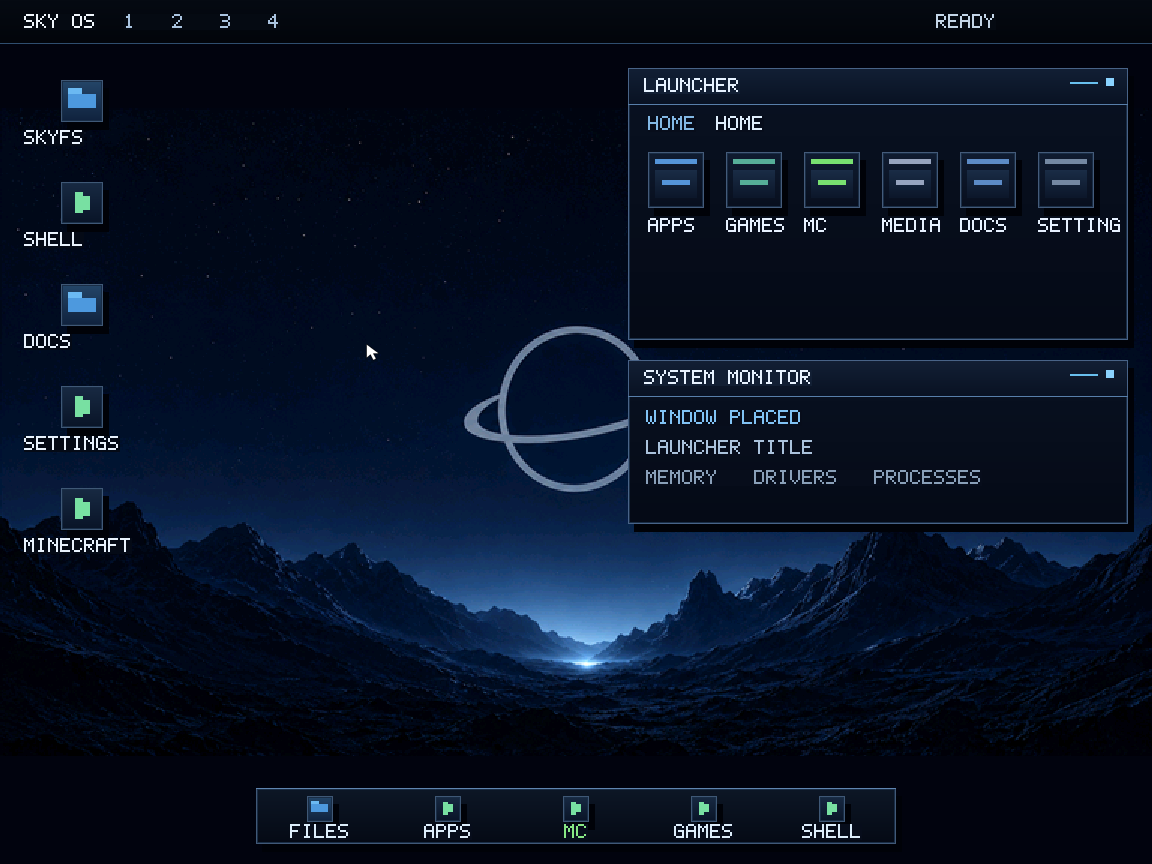
The launcher is meant to become the front door: apps, games, media, docs, settings, and quick access to the things people actually open.
SkyFS is not just a folder list. It is the base for typed files, app files, game files, images, configs, docs, archives, and system entries.
Power users still get commands. New users should not be forced to live there. Sky OS aims to keep both worlds close without mixing them badly.
The interface direction is calm: dark skies, simple panels, a clear dock, readable labels, and system cards that tell you what is happening without shouting at you.
That does not mean weak. The plan is to surface advanced tools only when a user asks for them.
SkyGUI is early. The pixel look is part of the current build stage, not the final design limit. True custom fonts, better pointer graphics, richer windows, and a cleaner file manager are still ahead.